GitLab integration
Learn how to securely connect LogicStar to your GitLab project and choose the access method that best fits your organization’s security requirements.
GitLab integration access options
When integrating LogicStar with GitLab, customers often ask how access is granted and whether it can be limited to a specific project. GitLab offers two supported approaches, each with different trade‑offs. This guide explains both options so you can choose the one that best fits your setup.
Why access scope matters in GitLab
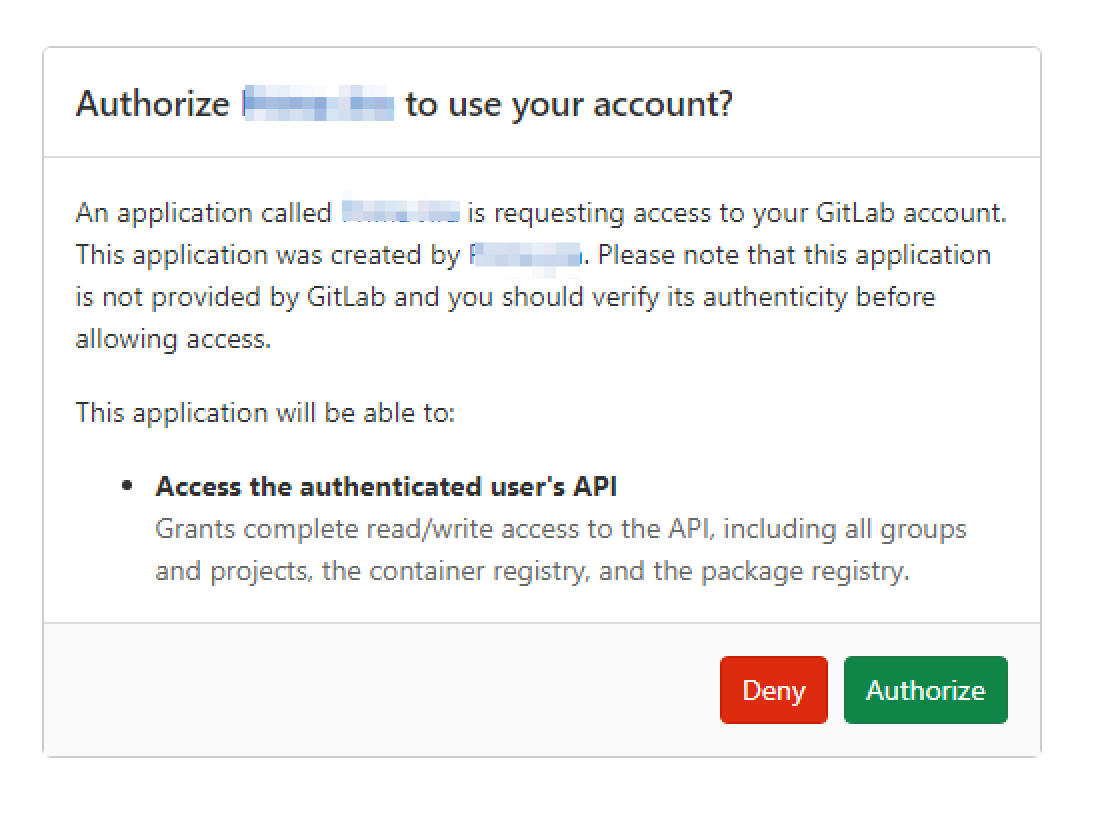
GitLab’s permission model differs from other platforms. OAuth applications require the api scope to perform key actions such as creating Merge Requests or adding comments. This scope applies at the user level and cannot be restricted to a single project.
Because of this, customers who need project‑specific access typically prefer token‑based authentication instead of user‑level OAuth.
Option 1: OAuth 2.0 application
What this option provides
LogicStar connects using an existing GitLab OAuth 2.0 application authorized by a user.
Required scope
api
This is required to:- Create and update Merge Requests
- Add comments to Issues and Merge Requests
- Create webhooks to receive Merge Request events
Things to be aware of
- Access is based on the permissions of the authorizing user.
- GitLab does not support limiting OAuth access to a single project.
- Best suited for users whose GitLab account already has limited access.
Option 2: Project Access Token
What this option provides
LogicStar connects using a Project Access Token that is scoped to a single GitLab project.
Key characteristics
- Access is limited to one project.
- No personal user account is involved.
- Well suited for organizations with stricter access‑control requirements.
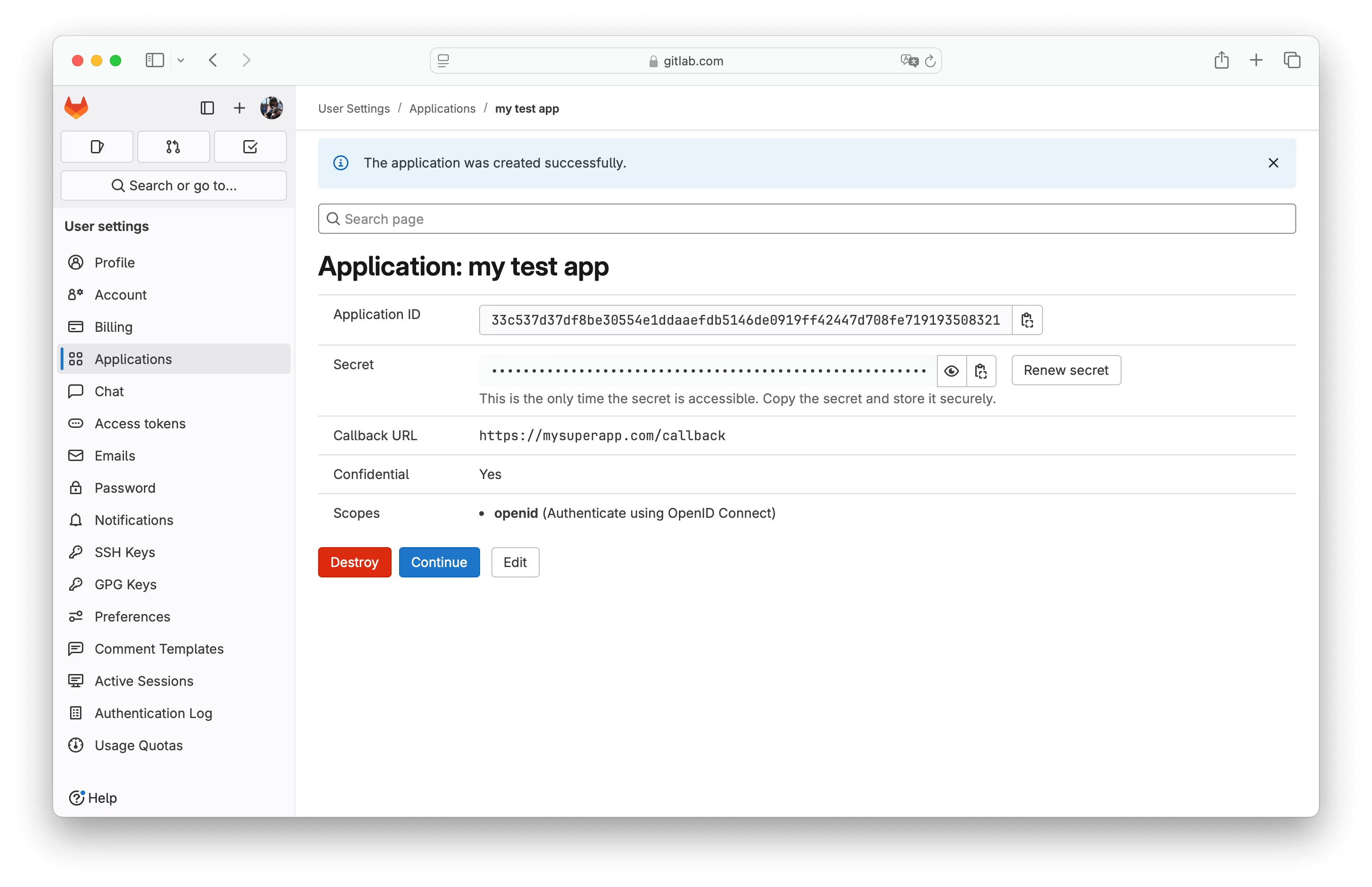
How to create a Project Access Token
- Open your GitLab project.
- Go to Settings → Access Tokens.
- Create a new Project Access Token with the following configuration:
Expiration date
- Set a future date that aligns with your internal security policies.
- Project Access Tokens cannot be refreshed.
Role
- Developer
(Lower roles such as Guest are not sufficient for required operations.)
Scopes
api– required for Issues, Merge Requests, comments, and webhooksread_repository– required to read and analyze the codewrite_repository– required to create branches and open Merge Requests
Once created, securely share the token with LogicStar during setup, along with the project identifier in the format group/project.
What LogicStar can access
Depending on the option you choose, LogicStar can:
- Read repository content
- Create branches and Merge Requests
- Comment on Issues and Merge Requests
- Register webhooks for Merge Request events
With a Project Access Token, all actions are strictly limited to the selected project.
GitHub comparison (for context)
Some customers note that GitHub supports repository‑level app installation by default. GitLab currently does not offer the same OAuth scoping model, which is why Project Access Tokens are commonly used for project‑specific access in GitLab.
Choosing the right option
- Use OAuth 2.0 if user‑level access is acceptable for your setup.
- Use a Project Access Token if you need access limited to a single project.
Both approaches are supported, and the right choice depends on your organization’s security and access requirements.